
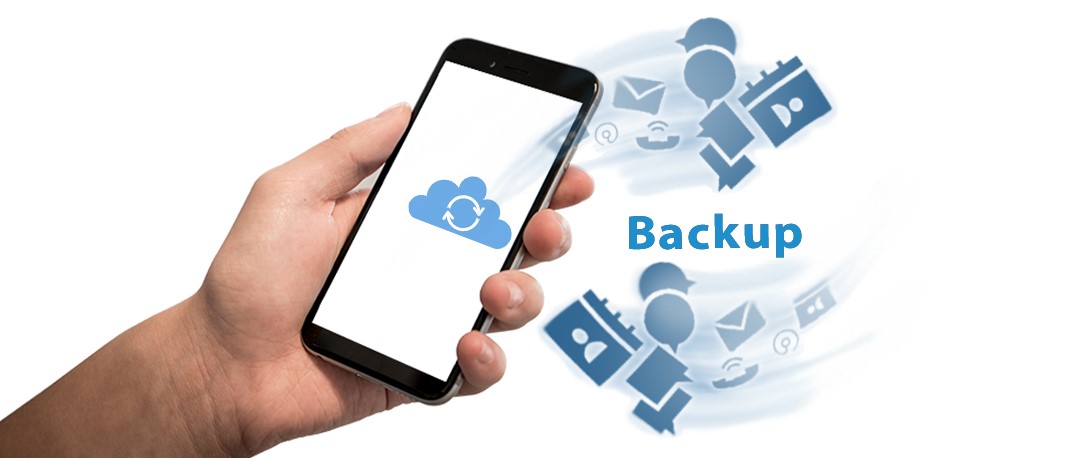
Do you regularly back up your computers? (Please say Yes! lol), Do you know how to backup your smartphone? Given the massive amounts of data, contact information, photos, videos and other data we all carry around on smartphones, it’s incredibly important to back them up or run the risk of losing all that data forever!
There are two basic ways to back up your smartphone: automatically to the cloud or manually to your computer.
To The Cloud. Cloud backups are secured with your account
password. They can be configured to run automatically so you don’t have to
worry about remembering to do it.
Google account.
Configure your preferences by going to Settings > Backup.
Apple users can use iCloud to back up photos, contacts,
calendars and other data.
Turn on and configure iCloud Backup by going to Settings >
iCloud.
To Your Computer. Android
and Apple users can also back up data directly to a computer using the manual
option. Connecting the phone to a computer by a USB cable is the quickest way
to do this. BUT! Please Remember! When backing up your phone to a computer,
your data is only as safe as the computer. Please back up the computer as well
to a cloud solution like Carbonite or to an external hard drive connected
directly to your computer.
If you need
help, we’ve got your back 🙂 Please call
us at 937-291-9900. We’ll be happy to help you in any way we can 🙂
Net X
Computers

